Introduction
Welcome to Aksha MD Editor - a highly optimized, production-ready Markdown Editor for React applications.

What is Aksha MD Editor?
Aksha MD Editor is a drop-in replacement for traditional text processors, built specifically for React applications. It leverages the power of Monaco Editor (the same editor that powers VS Code) to provide a professional editing experience with real-time markdown preview.
Preview

Light Theme
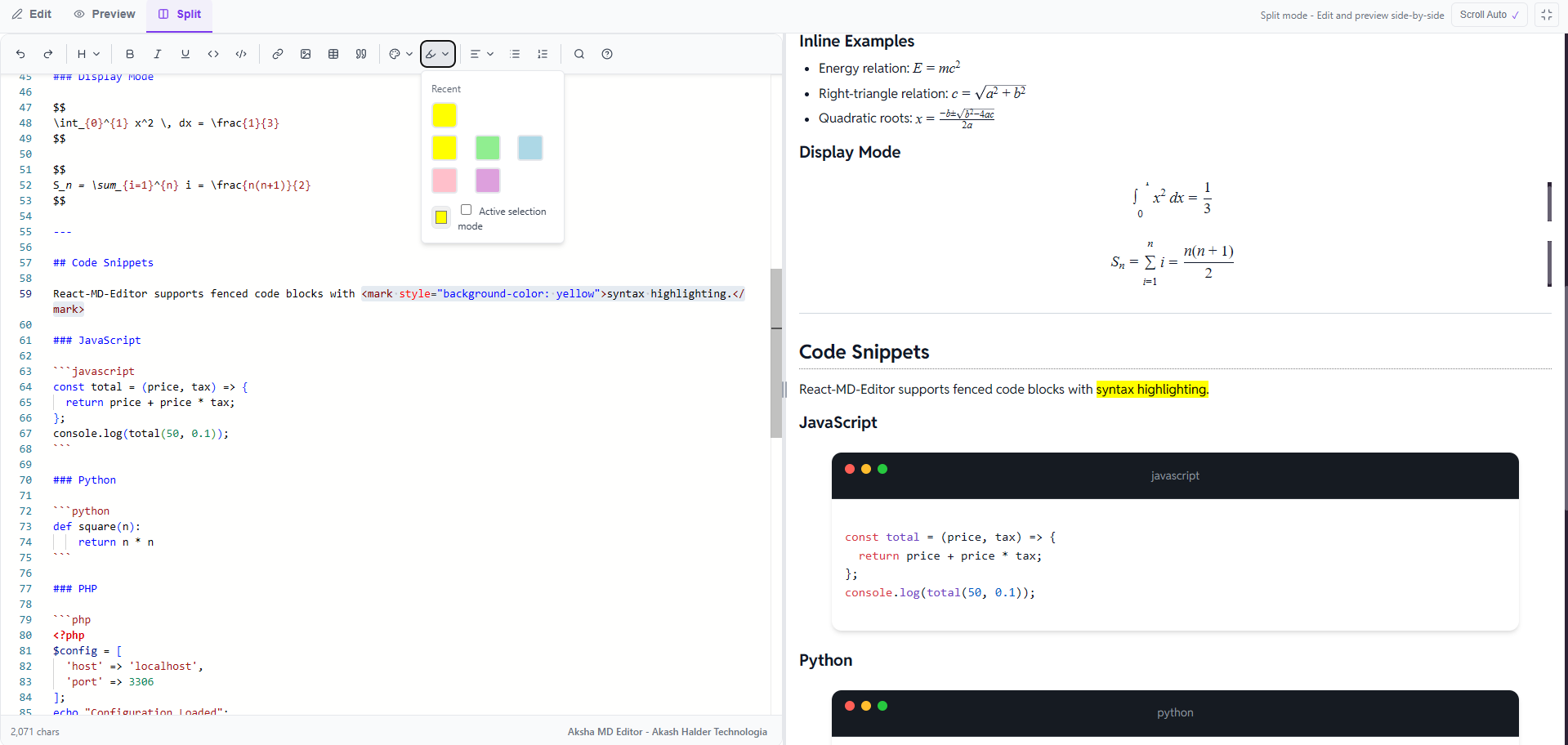
Features Demo
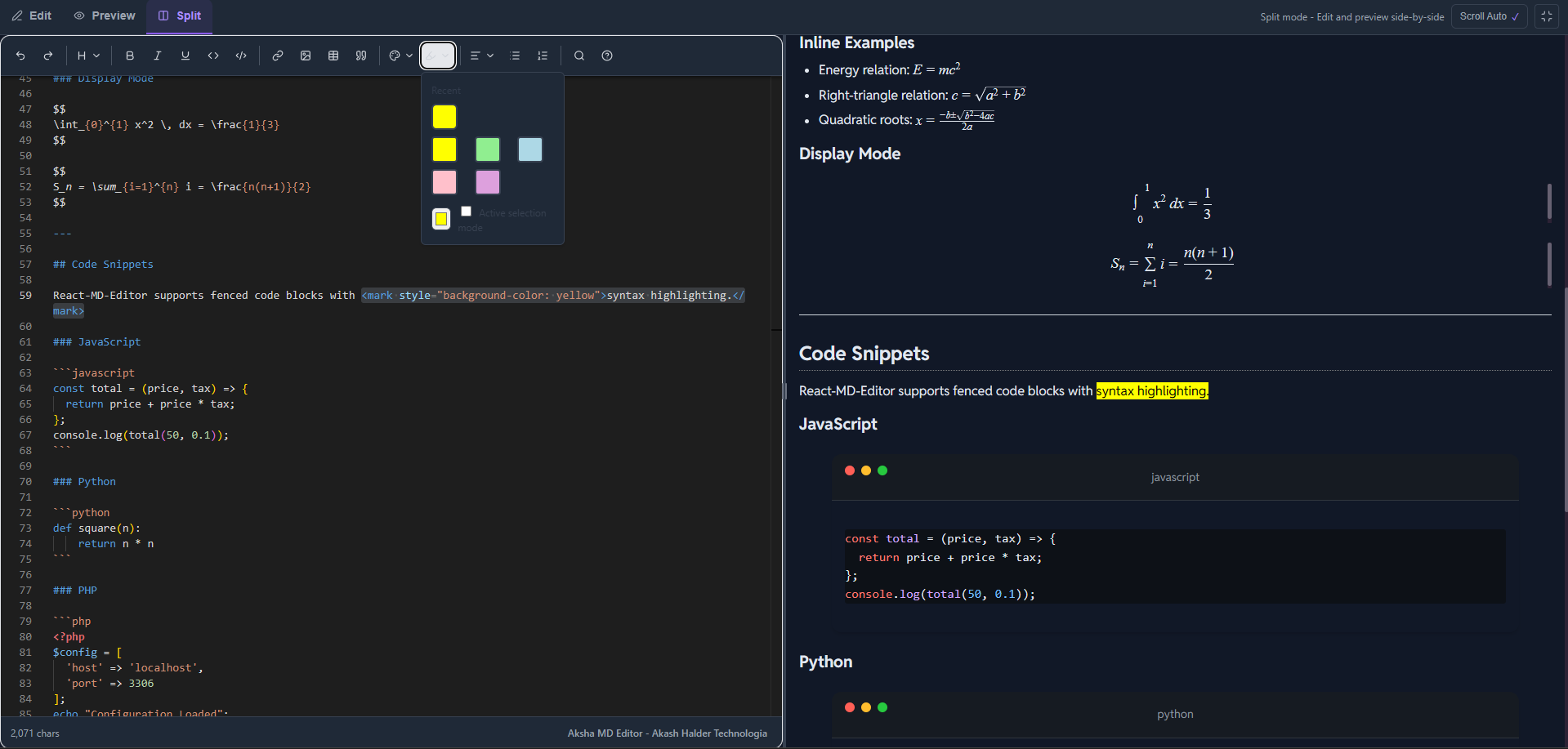
Dark Mode
Key Features
🎯 Professional Editing
- Monaco Editor Integration: The same editor that powers VS Code
- Syntax Highlighting: Full markdown syntax highlighting
- Rich Toolbar: Comprehensive formatting options
- Keyboard Shortcuts: Familiar shortcuts for power users
📝 Comprehensive Markdown Support
- GitHub Flavored Markdown (GFM): Full GFM support
- Math Equations: LaTeX math rendering with KaTeX
- Code Highlighting: Syntax highlighting for 100+ languages
- Tables & Task Lists: Complete markdown feature set
- Mermaid Diagrams: Flowcharts and sequence diagrams via fenced blocks
- Charts: Apache ECharts via fenced blocks
- Emoji: Noto Color Emoji font support
🎨 Flexible & Customizable
- Multiple View Modes: Edit, Preview, or Split view
- Theme Support: Light, Dark, and Auto modes
- Customizable: Extensive props for customization
- Responsive: Works perfectly on all screen sizes
- Auto Scroll: Preview follows editor scroll in split view
⚡ Performance Optimized
- Debounced Updates: Smooth performance even with large documents
- Async Processing: Non-blocking markdown rendering
- Efficient Re-rendering: Optimized React component structure
Why Choose Aksha MD Editor?
✅ Production Ready: Thoroughly tested and optimized for production use
✅ Type Safe: Full TypeScript support with comprehensive type definitions
✅ Well Documented: Extensive documentation with examples and API reference
✅ Easy to Use: Simple API with sensible defaults
✅ Actively Maintained: Regular updates and bug fixes
✅ Open Source: MIT licensed and open for contributions
Quick Example
import { useState } from 'react';
import { MarkdownEditor } from 'aksha-md-editor';
import 'aksha-md-editor/styles.css'; // Required: Import CSS for styling

export default function App() {
  const [markdown, setMarkdown] = useState('# Hi There 👋, Welcome to Aksha MD Editor!');

  return (
    <MarkdownEditor
      value={markdown}
      onChange={setMarkdown}
      defaultViewMode="split"
      theme="auto"
    />
  );
}
Next Steps
Ready to get started? Check out the Getting Started guide!